How Should a Retailer Manage Online Orders as Order Volume G...
Sep 25, 2026
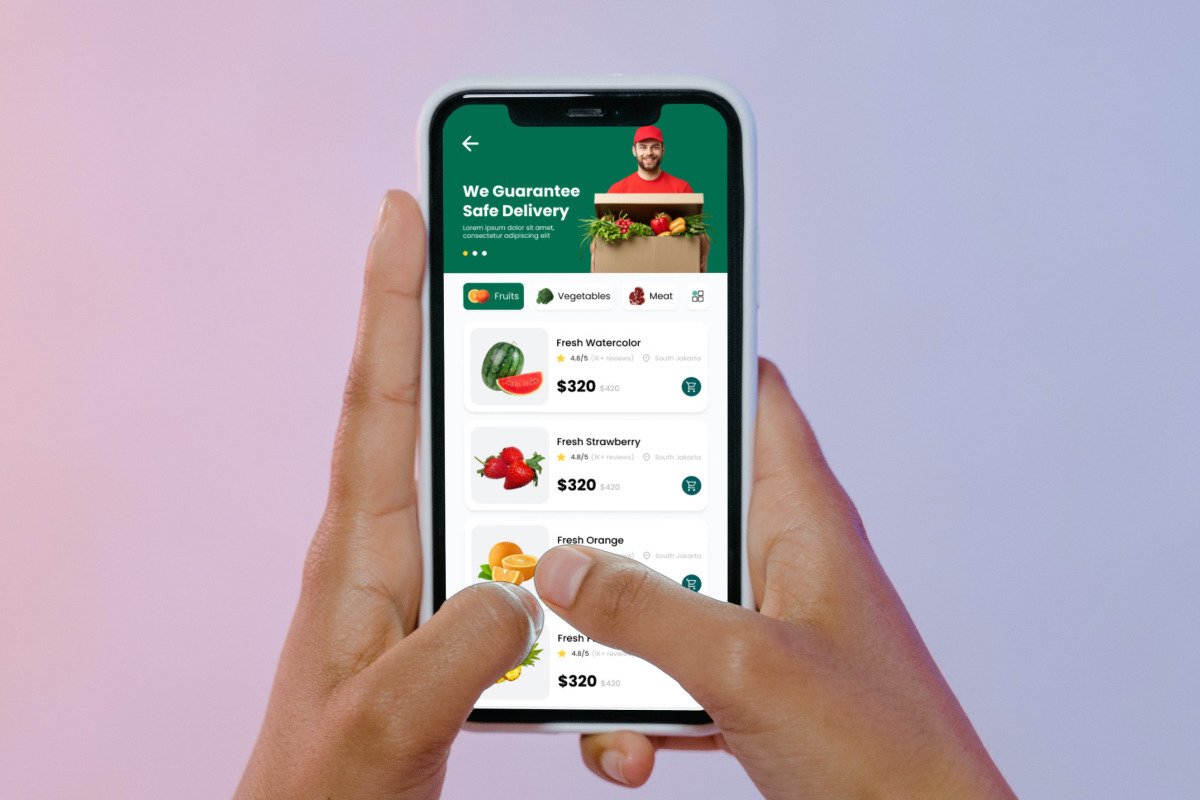
Buying groceries online should be straightforward. Customers want to open a store, find what they need, add a few things to their cart, place the order, and get on with their day.
For a grocery business, though, there is quite a bit happening in the background. Products need to be updated, orders need to be managed, discounts need to be handled, and deliveries need to reach the right customers.
This is where having the right ordering features in one place can make a real difference.
A good online grocery store starts with a well-organised product catalogue.
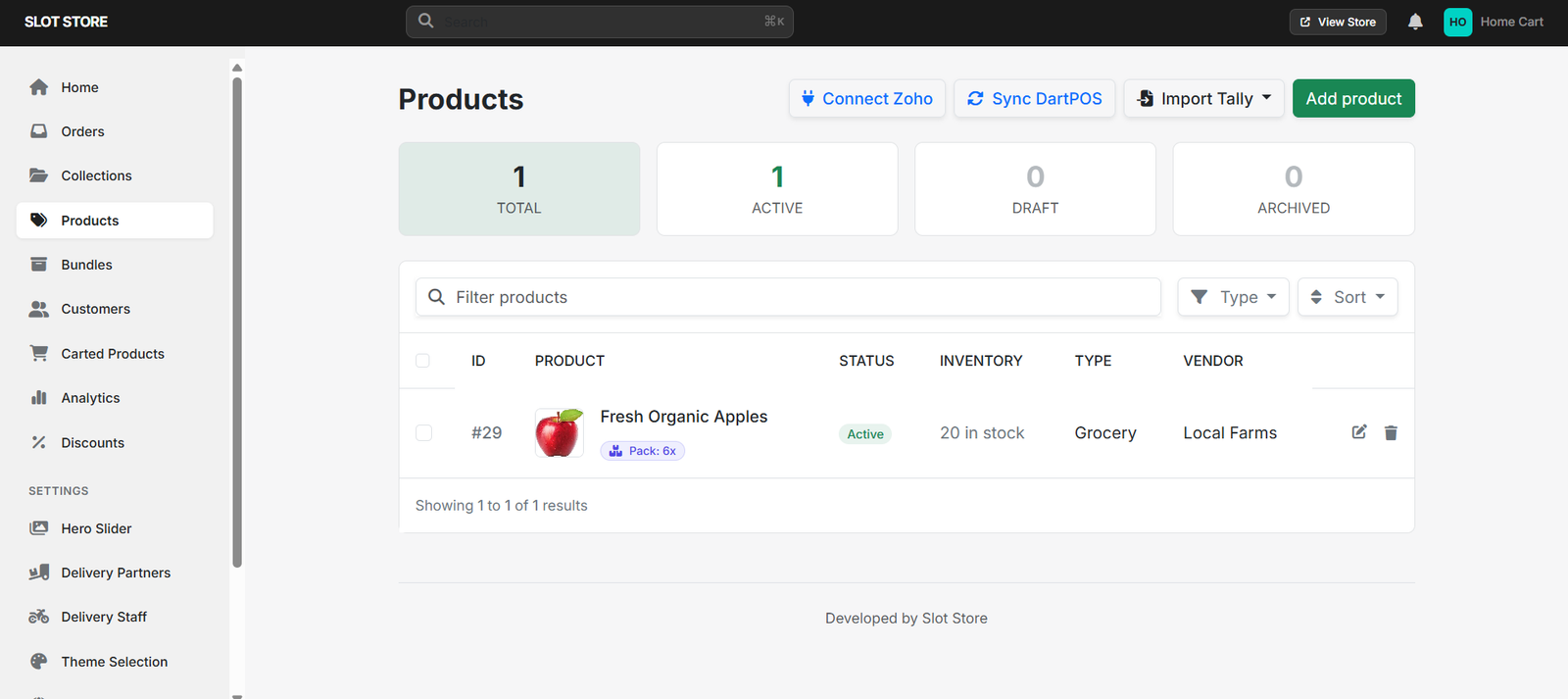
The Products section gives stores a place to add items with details such as names, descriptions, images, prices, stock, and variants. Customers can then see what is available and decide what they want without having to search around too much.
For a store with a large number of products, keeping everything organised can also make day-to-day management much easier.
Not every customer knows exactly what they want to search for.
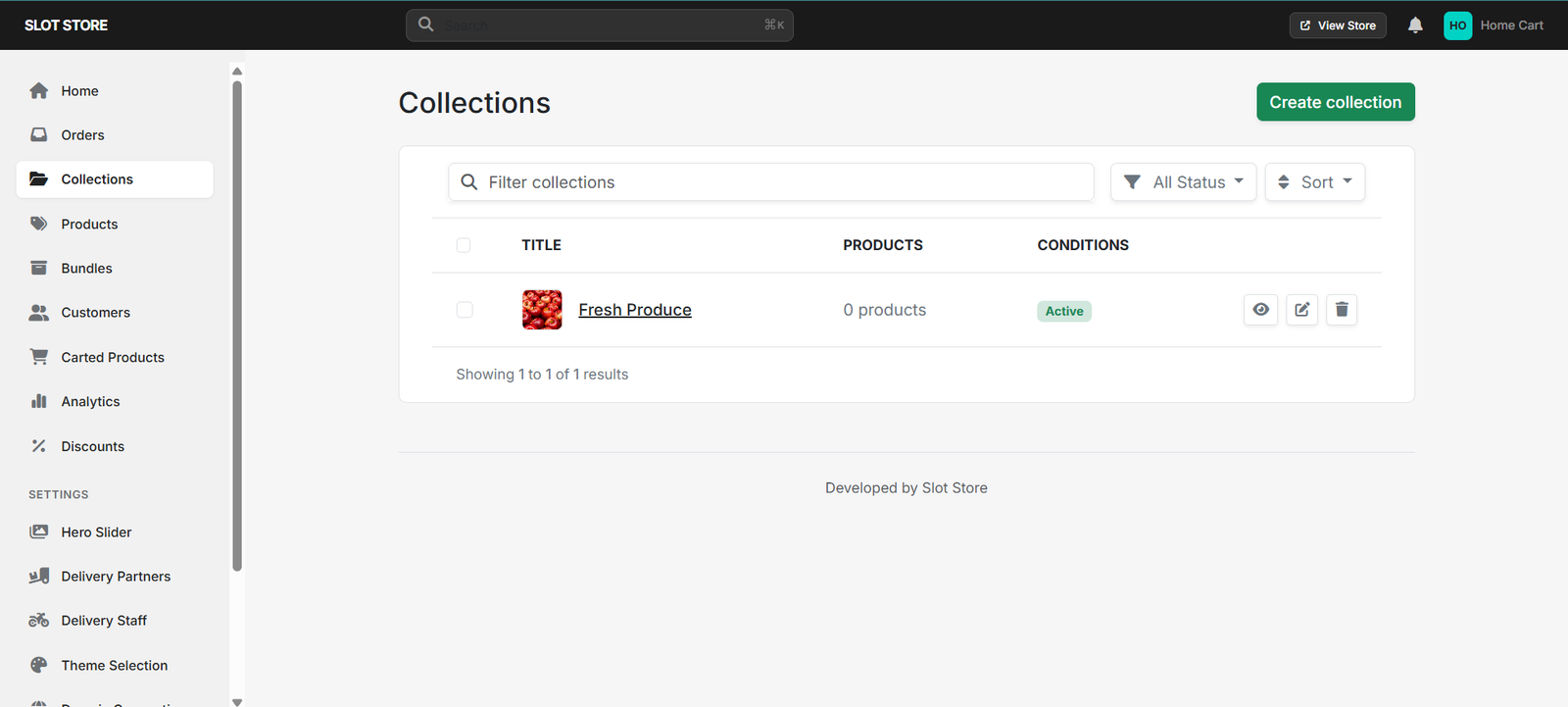
Sometimes they simply want to browse. Collections make this easier by allowing stores to group similar products together.
For example, a grocery store could have collections such as Fresh Produce, Daily Essentials, Organic Products, or Weekly Deals.
Instead of looking through the entire product list, customers can go straight to a collection that matches what they are looking for.
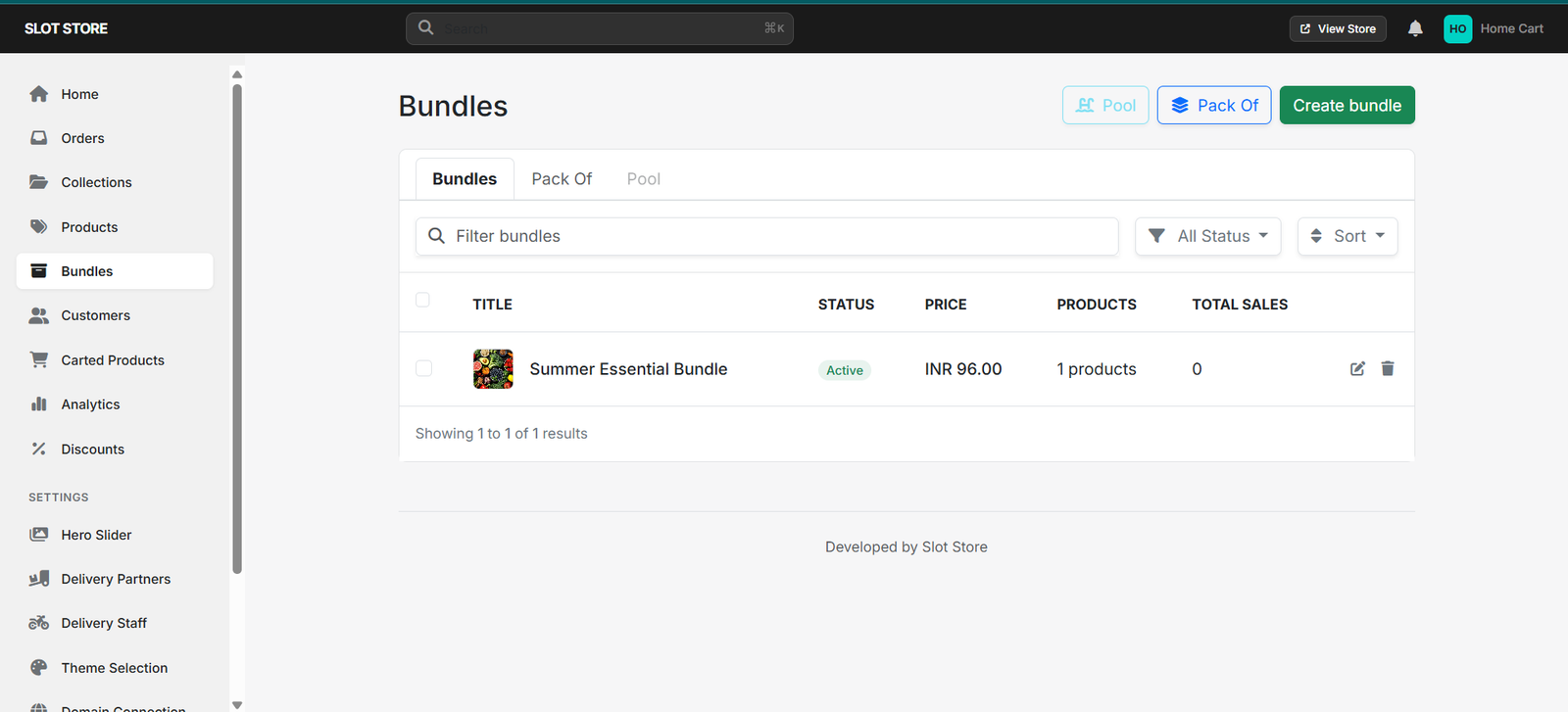
Some products naturally make sense when bought together.
With Bundles, stores can put related products into one offer. This could be a family pack, a meal combination, or a set of products that customers often buy together.
It gives customers another way to shop and can save them the trouble of adding several related items one by one.
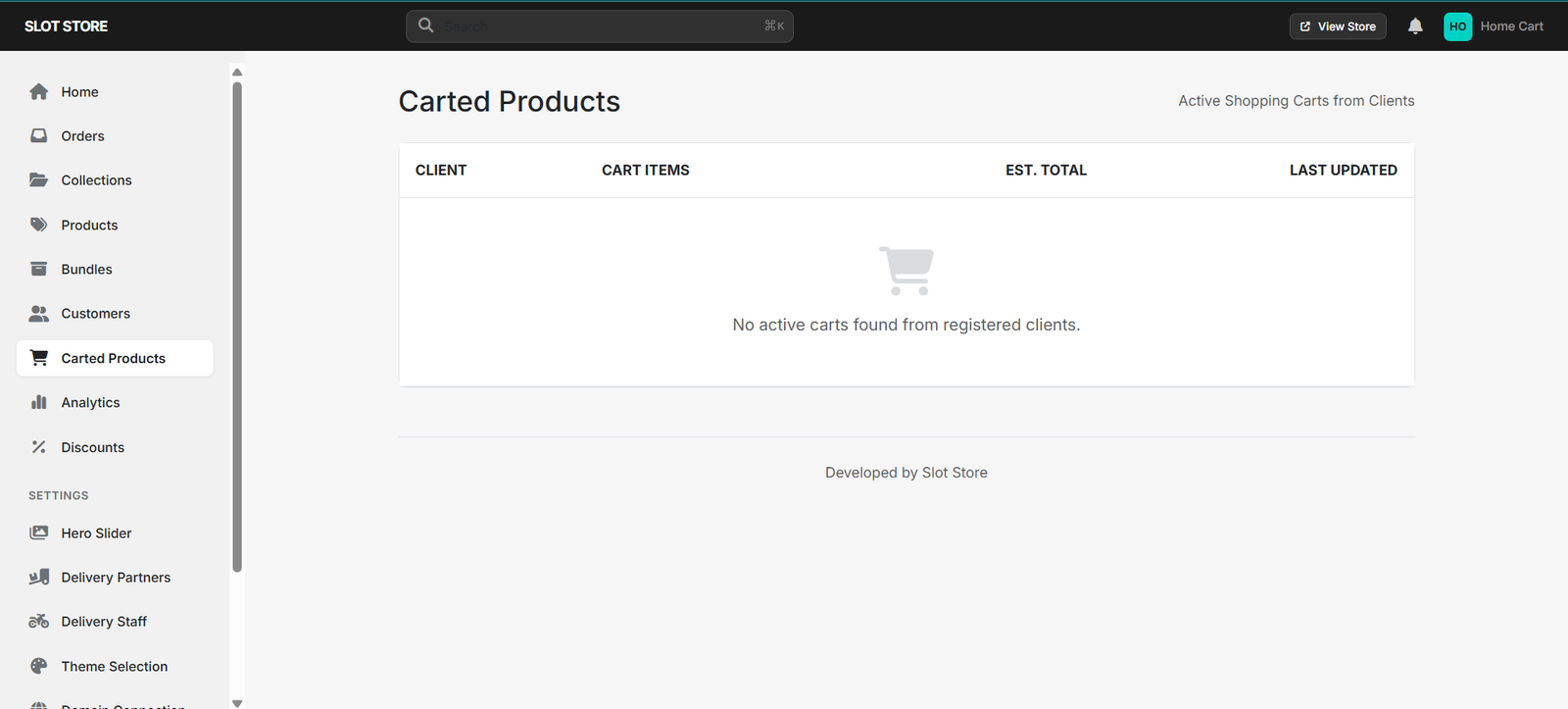
Once customers start adding products, they need an easy way to check what they have selected.
The Carted Products section gives customers a place to review their items, change quantities, and make any last-minute changes before placing the order.
A simple cart can make the difference between a customer completing an order and leaving halfway through the process.
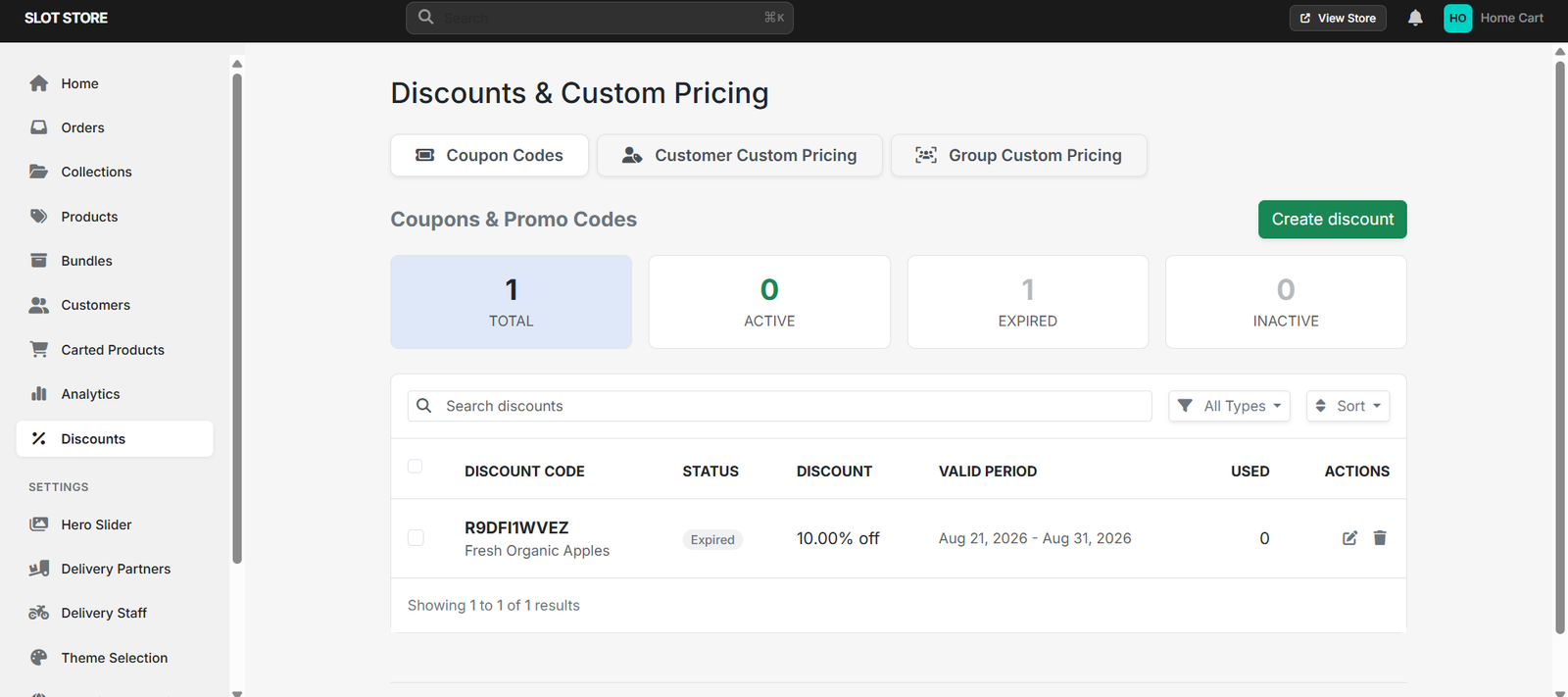
Grocery customers naturally pay attention to price and offers.
Through the Discounts section, stores can create promotions for selected products or purchases. Discounts and coupon offers can give customers an extra reason to complete an order or add something else to their cart.
For the store, having these options within the same system also makes promotions easier to manage.
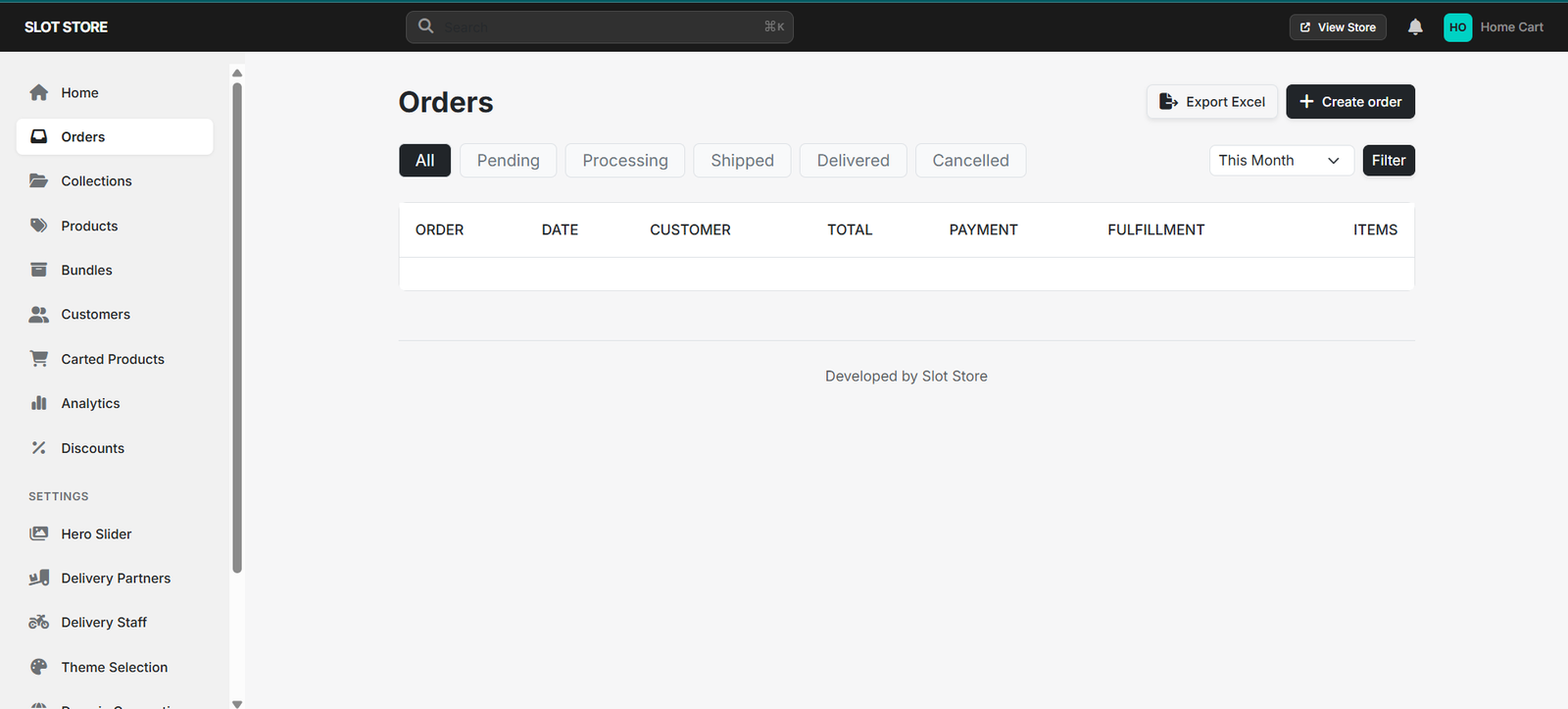
The work does not stop once a customer clicks the order button.
The Orders section gives the store a central place to view and manage purchases. This helps the team keep track of incoming orders and handle them as they move through the fulfilment process.
When online orders start increasing, having everything in one place becomes even more useful.
An online store also needs to keep track of the people placing those orders.
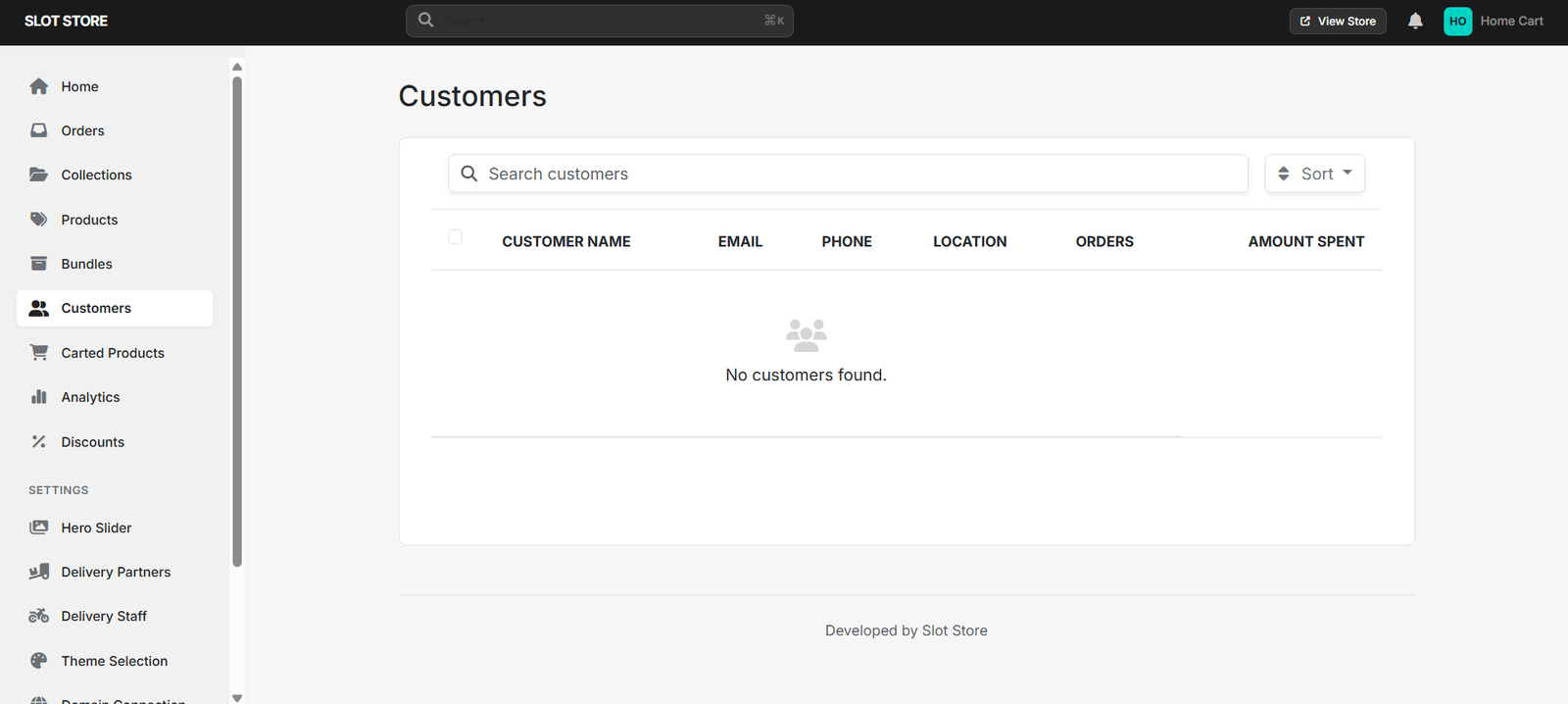
The Customers section provides a central place to manage customer information. This makes it easier for the business to keep customer details organised as its online customer base grows.
It also keeps customer-related information connected to the wider store workflow.
For a grocery business, receiving an order is only half the job. The order still needs to reach the customer.
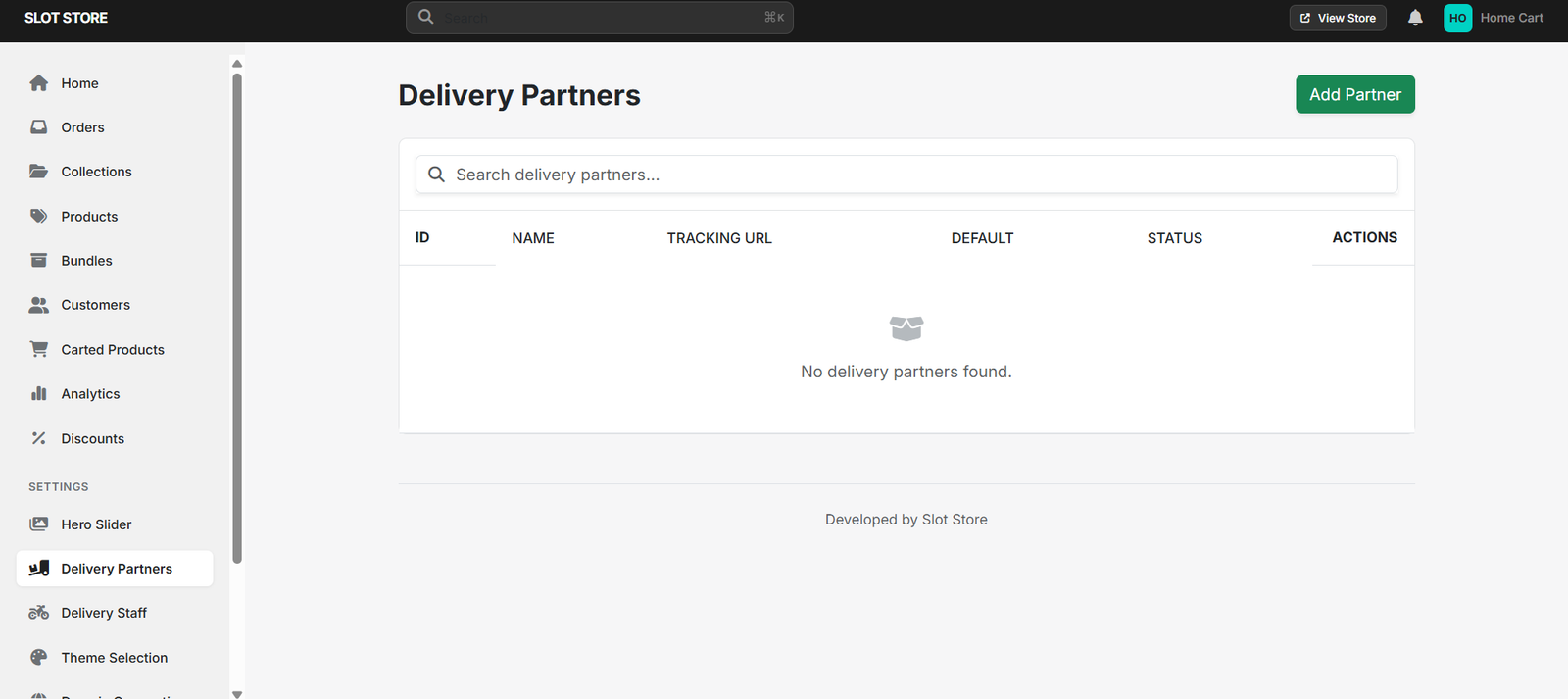
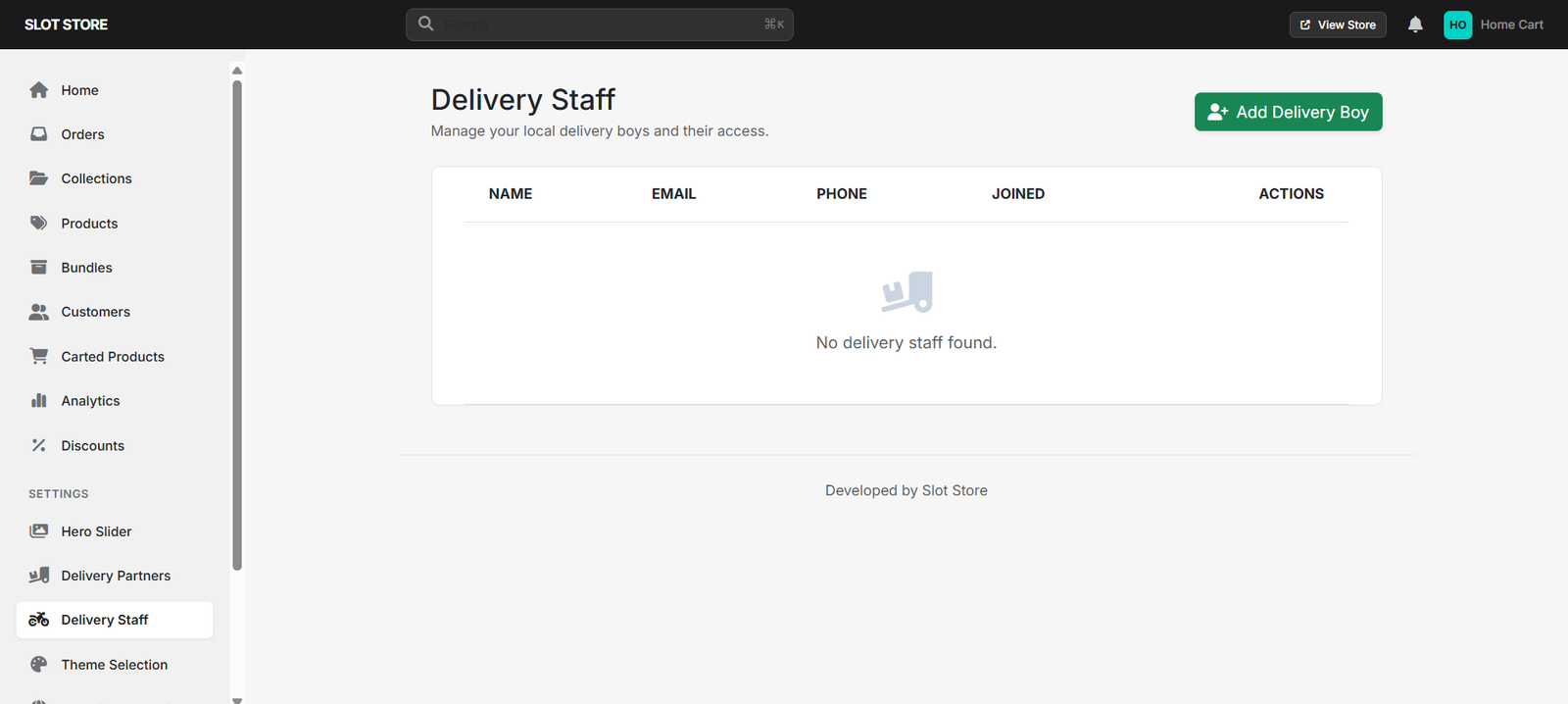
Delivery Partners and Delivery Staff support this part of the process by helping stores manage who is responsible for delivering orders.
This creates a clearer connection between the order being placed and the order reaching the customer's doorstep.
When these features are used together, the customer journey becomes much more straightforward:
Browse Products → Explore Collections → Select Items → Review Cart → Use Offers → Place Order → Process Order → Deliver to Customer
At the same time, the store has the tools it needs to handle the work happening behind that journey.
That matters because a good online ordering experience is not only about what the customer sees. The store's side needs to work smoothly too.
Putting groceries online is just the beginning. A store still needs to manage products, stock, customers, orders, offers, and deliveries every day.
If these tasks are handled through different systems or disconnected processes, things can quickly become difficult to keep track of.
Having them together gives the business a clearer view of its online operations and makes everyday order management more manageable.
This is where Slot Store can be useful for grocery businesses that want to run their online store and ordering process from one place.
Online grocery shopping does not have to be complicated.
Customers should be able to find products, browse collections, choose bundles, manage their cart, use offers, and place an order without going through unnecessary steps.
Behind the scenes, the store should have an equally straightforward way to manage products, customers, orders, promotions, and delivery.
When both sides are taken care of, everyone benefits — customers get a smoother shopping experience, while the business has a more organised way to handle its daily online orders.
That is what makes a good online ordering system useful for a growing grocery store.
1. What features should an online grocery ordering system have?
Important features include product management, collections, bundles, cart management, discounts, customer management, order management, and delivery support.
2. How do Collections help customers?
Collections bring related products together, so customers can browse a particular group without going through the entire product catalogue.
3. Why are Bundles useful for grocery stores?
Bundles let stores group related products into one convenient purchase option. They can be useful for family packs, meal combinations, or special product offers.
4. Why is a simple cart important?
A simple cart allows customers to check their items, change quantities, and make corrections before placing an order. This makes the final part of the shopping process less frustrating.
5. What happens after a customer places an order?
The store can manage the order through the Orders section and coordinate delivery through Delivery Partners and Delivery Staff.
6. How does Slot Store help grocery businesses?
Slot Store brings products, collections, bundles, discounts, customers, orders, and delivery-related features together to help businesses manage their online grocery store.
Give your customers an easier way to shop while keeping the work behind every order organised.
Explore Slot Store and see how it can help you build a simpler online grocery ordering experience.