How Should a Retailer Manage Online Orders as Order Volume G...
Sep 25, 2026
When customers shop for groceries in a physical store, they can pick up a product, check the label, compare sizes, and decide on the spot.
Online, they have to do all of that from a product page.
That is why the way a grocery store presents its products can make a real difference. When customers can quickly understand what they are looking at, they are more likely to feel confident adding it to their cart.
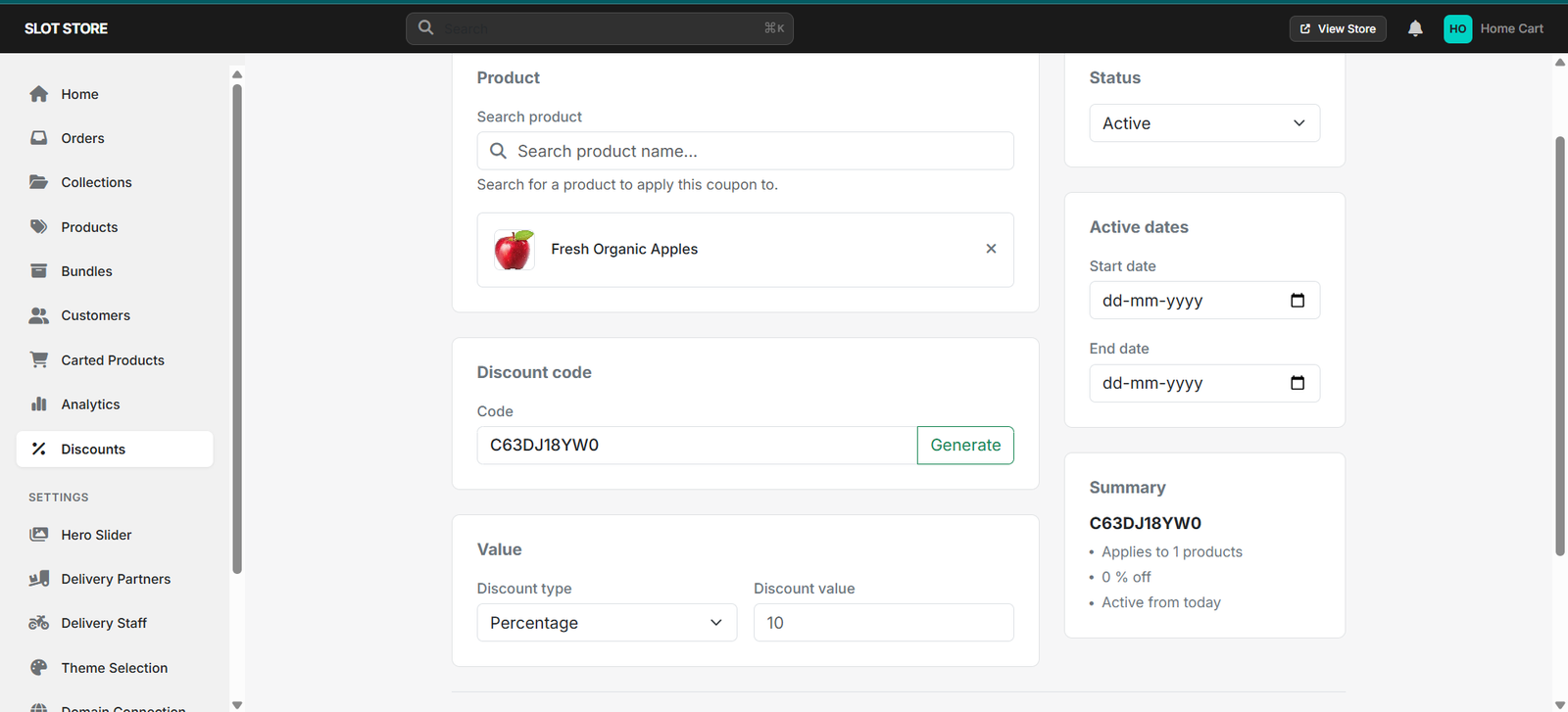
The product name should give customers enough information to recognise the item immediately.
For example, Fresh Organic Apples – 1kg is more useful than simply “Apples.”
A clear name can help customers understand the product without opening several pages to find basic details.
Customers cannot physically examine an item through a screen, so the product image becomes an important part of the buying decision.
Use images that are:
For packaged products, showing the packaging can also help customers recognise what they normally buy in-store.
A product description does not need to be a long paragraph.
Focus on the details that can help someone decide:
For example, a customer choosing between two rice packs may simply need to know the brand, weight, and type of rice.
If the same product comes in multiple sizes, customers should be able to see the choices without confusion.
For example:
500g — ₹70
1kg — ₹120
2kg — ₹220
Clear options make it easier for customers to compare and choose what fits their needs.
Product information is only useful when customers can actually find the item.
Organise products into relevant categories and collections so customers can browse based on what they need — such as fruits, vegetables, dairy, snacks, or household essentials.
A well-organised store reduces the time customers spend searching.
Imagine a customer orders a product because the website shows it as available, only to discover later that it is out of stock.
Small mismatches like this can affect the shopping experience.
Keep product prices, availability, images, variants, and other important details updated so customers know what they can actually order.
Before publishing a product, look at the page from a customer's point of view.
Ask:
If the answer is yes, the product page is doing its job.
This is where an online ordering platform can make the process easier for grocery businesses.
Slot Store allows stores to bring their products online with details such as images, pricing, variants, and product organisation. This gives customers a clearer way to browse products and choose what they need before placing an order.
Customers do not need endless information before buying a grocery product. They need the right information at the right time.
A clear name, useful image, relevant details, simple pricing, and easy product discovery can remove small points of hesitation and make online shopping more comfortable.
For grocery businesses, improving these basics can be a simple way to create a better customer experience as online ordering grows.
1. What information should an online grocery product include?
At minimum, include the product name, image, price, quantity or size, and any important details customers need to make a choice.
2. Why are product images important for online grocery stores?
Customers cannot physically inspect products online, so images help them recognise and understand what they are ordering.
3. Should every product have a long description?
No. Keep descriptions short and focus on details that actually help customers decide.
4. Why should grocery stores organise products into categories?
Categories make browsing faster and help customers reach the products they need without searching through the entire store.
5. Can better product information increase online orders?
Clear product information can reduce uncertainty and make it easier for customers to decide what to add to their cart.
Your customers should not have to guess what they are buying.
Give them clearer product information, an easier way to browse, and a smoother path from product discovery to checkout with Slot Store.